Dispelling Nonverbal Myths
Popular advice often claims that body language determines most communication, yet nonverbal cues never replace substantive answers. An interviewer evaluates your qualifications, past performance, and problem-solving skills. Poise cannot hide missing knowledge or vague examples. A meta-analysis of nonverbal cues in job interviews found associations between physical mannerisms and interviewer ratings, but mimicking specific mannerisms will not guarantee an offer.
Looking away, shifting posture and gesturing are ordinary parts of conversation. Eye contact and movement vary across people and cultures. Aim for a setup that lets you communicate comfortably rather than monitoring each movement.
In-Person and Video Differences
The physical setting alters how an interviewer perceives your movements. Actions that appear normal across a conference room table can look awkward inside a small video window.
| Setting Feature | In-Person Interview | Video Interview |
|---|---|---|
| Gaze and Eye Contact | Shift gaze naturally between panel members across the room. | Look near your webcam. Brief downward glances appear normal. |
| Framing and Presence | Your full seated posture remains visible. | Frame yourself from mid-chest to the top of your head. |
| Hand Gestures | Gestures remain within your lap or table space. | Raise gestures slightly to enter the frame, or rest hands on the desk. |
| Audio and Movement | Room acoustics absorb minor fabric rustle or paper turns. | Microphones pick up desk taps, keyboard clicks, and shuffling paper. |
Camera Alignment and Video Framing
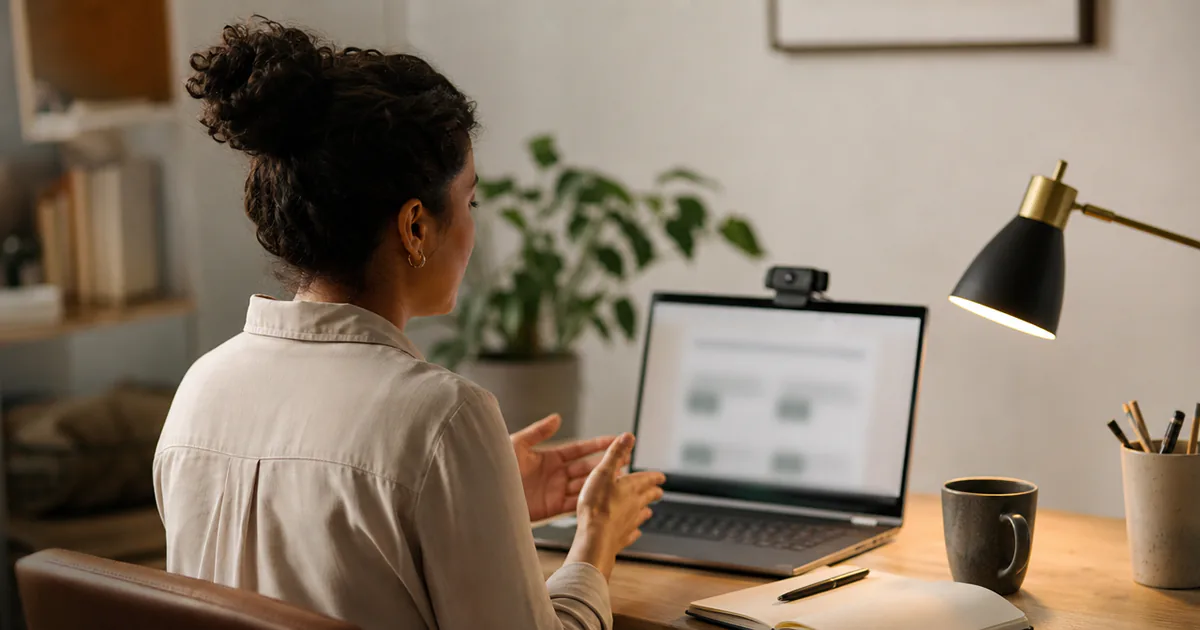
A low laptop camera may frame the ceiling. Raising the laptop can make the image easier to follow. One small simulated-interview study found lower ratings for downward off-camera gaze, while two other experiments found negligible effects for ordinary vertical gaze differences. These studies used different conditions and do not establish a universal eye-contact rule.
Sit far enough back so the lens captures your head and shoulders, leaving a few inches of space above your hair. Sitting too close magnifies every head movement; sitting too far away obscures your facial expressions. Light your face from the front or side, and avoid bright windows directly behind you that turn your outline into a shadow.
Posture and Physical Comfort
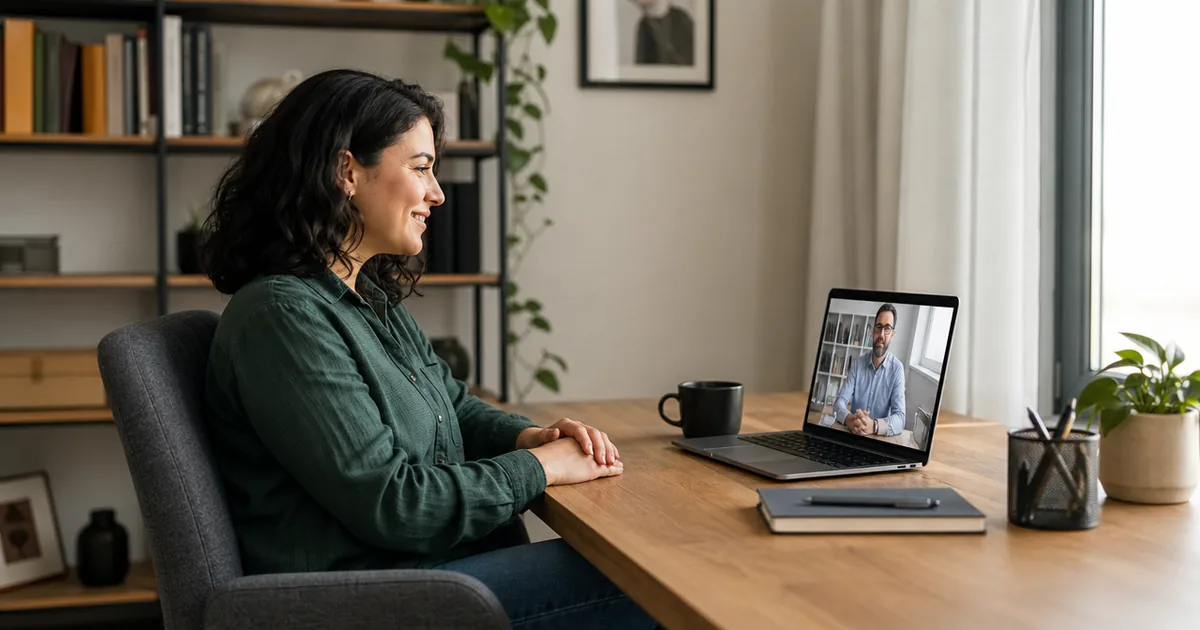
Choose seating that supports your body through a long conversation. Rest your lower back against the chair backrest to avoid hunching. Keep both feet flat on the floor or on a footrest to steady your posture and curb restless leg movements that shake lightweight desks. Drop your shoulders away from your ears, and rest your forearms gently on the desk.
Physical needs vary widely. Chronic pain, spinal conditions, or neurological traits may require specialized seating, sit-stand adjustments, or distinct movement patterns. Professionalism does not depend on a single rigid pose. Prioritize ergonomic support that lets you speak clearly and listen without strain.
Using Notes Without Distraction
Many candidates rely on brief notes to track complex examples. Interview guidelines vary by company, so check your invitation before the meeting. If notes are permitted, our guide on bringing notes to an interview offers structured templates.
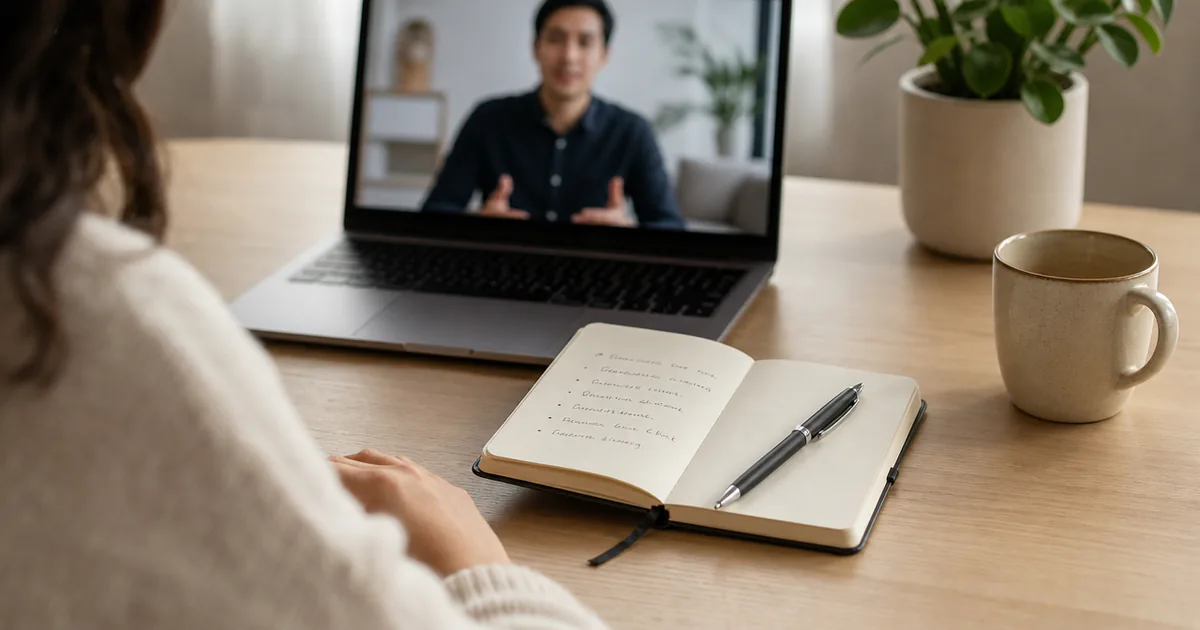
When using notes on camera, write short keyword prompts rather than full paragraphs. Tape sticky notes directly beside your webcam or position a concise outline at the top of your screen. If you must inspect a technical diagram or open a file, tell the interviewer what you are doing. Saying, "Let me pull up the release notes to confirm that launch date," explains your shift in gaze.
Fictional Example: Desk Adjustments
The following scenario illustrates how physical and environmental adjustments improve communication clarity.
Marcus, a data engineer, completed a first-round video screening from a soft sofa with his laptop on a low coffee table. He positioned his notes on a second monitor off to his right. During the meeting, Marcus leaned forward awkwardly, turned his head sideways to read his notes, and spoke into a built-in microphone that picked up room echo.
Before his next round of second interview questions, Marcus changed his arrangement:
- He moved to a desk and raised his laptop on a stand to eye level.
- He condensed his project notes into three bullet points taped beside the lens.
- He tested a headset that produced clearer sound in his room.
When asked how he handled conflicting cross-team priorities, Marcus looked directly toward the screen, checked his prompt without turning his head, and delivered a direct response:
"When two teams used conflicting deployment checklists, I gathered both leads, compared the steps, and established a single shared document with clear sign-offs. Would you like details on how we resolved the technical disagreements, or how we tracked accountability afterward?"
Marcus avoided physical distractions by testing his equipment beforehand.
Pre-Interview Physical Checklist
Run through this physical check fifteen minutes before your call:
- Set camera height: Position the lens level with your eyes to face forward.
- Adjust lighting: Place your main light in front of you; close shades on back windows.
- Test microphone input: Run a short audio check to eliminate echo.
- Position cues: Place notes directly adjacent to the camera lens.
- Align your seat: Rest your feet flat and relax your shoulders.
- Silence alerts: Close background applications that divert your eyes.
- Prepare for pauses: If you need a moment to collect your thoughts or calm nerves before an interview, place your hands flat on the desk and say, "Let me take a moment to select the best example." For pacing exercises, consult our advice on interview answer length.
Record a two-minute practice response on your computer. Reviewing the clip will show whether your framing, lighting, and sound support your answers.